
Download Czkawka – clean up, duplicate files, empty folders, music library, organize files, free up space, optimize storage, digital decluttering, PC cleanup tool, file management
Overview
Czkawka is a mobile productivity tool designed to help users efficiently manage digital clutter on their devices. The app focuses on identifying and removing duplicate files, empty folders, and optimizing music libraries—common pain points for users seeking to free up storage space. It is particularly suited for individuals who maintain large media collections or frequently accumulate redundant files across multiple directories. By streamlining file organization, Czkawka supports a cleaner, more efficient digital environment without requiring advanced technical knowledge.
The app’s primary purpose is to simplify the process of digital decluttering, making it accessible even to non-technical users. Whether managing personal photos, documents, or music, Czkawka enables users to reclaim valuable storage with minimal effort. Its targeted functionality positions it as a practical utility within the broader ecosystem of file management tools. While the developer did not provide additional background details, the app’s focus on performance and usability suggests a deliberate design philosophy centered on efficiency and user control.
Real-world use cases include clearing space before installing new apps, organizing media libraries after transferring files from external devices, or preparing a device for backup. These scenarios reflect the growing need for lightweight, effective tools in a mobile-first world where storage constraints remain a common challenge. Czkawka’s approach to resource-efficient scanning ensures that users can maintain system performance while cleaning up their data.
Key Features & Functionality
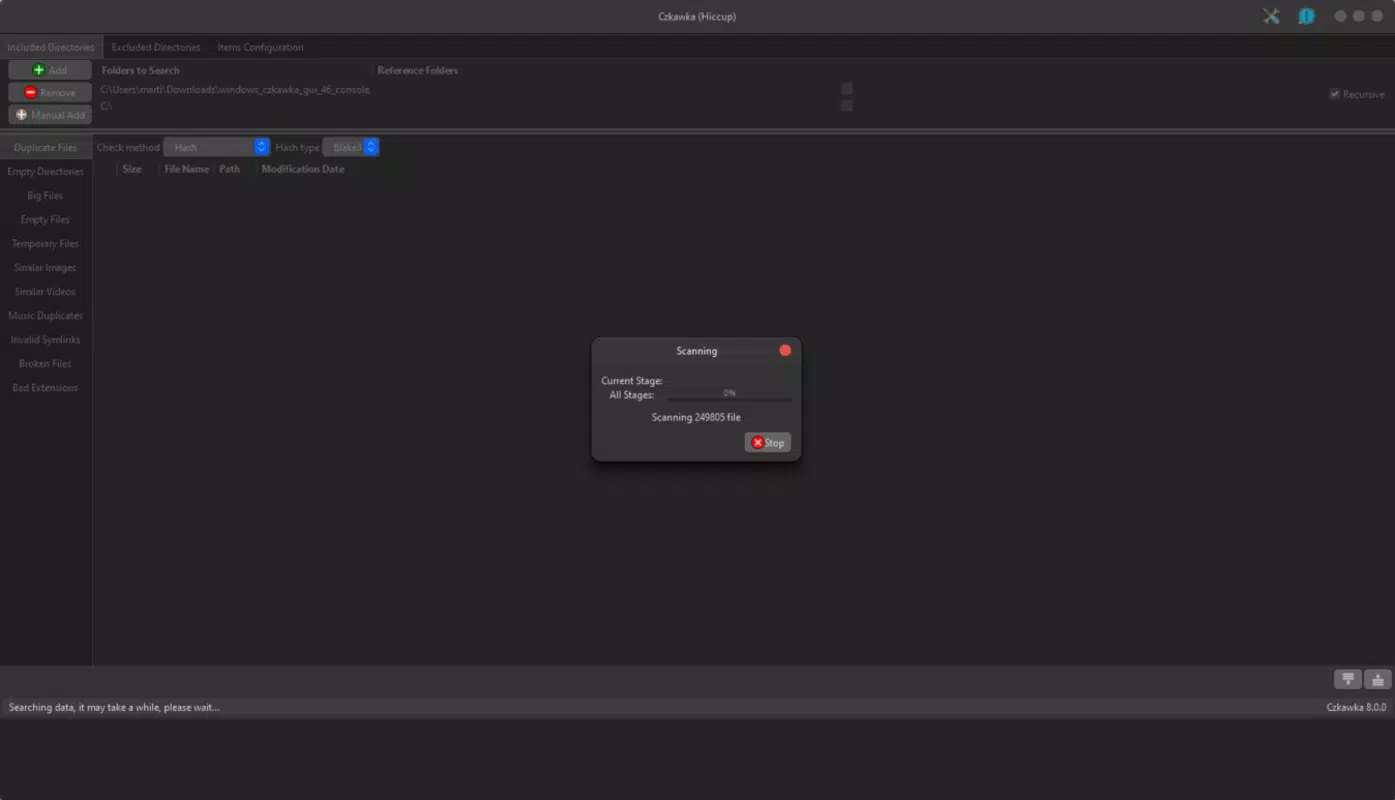
- Delete Duplicate Files: Czkawka scans specified directories to detect and remove identical files, reducing redundancy. Users can filter by file type or size to refine results and improve scan speed.
- Empty Folder Removal: The app identifies and deletes all empty folders across selected drives, simplifying directory structures and freeing up space without manual effort.
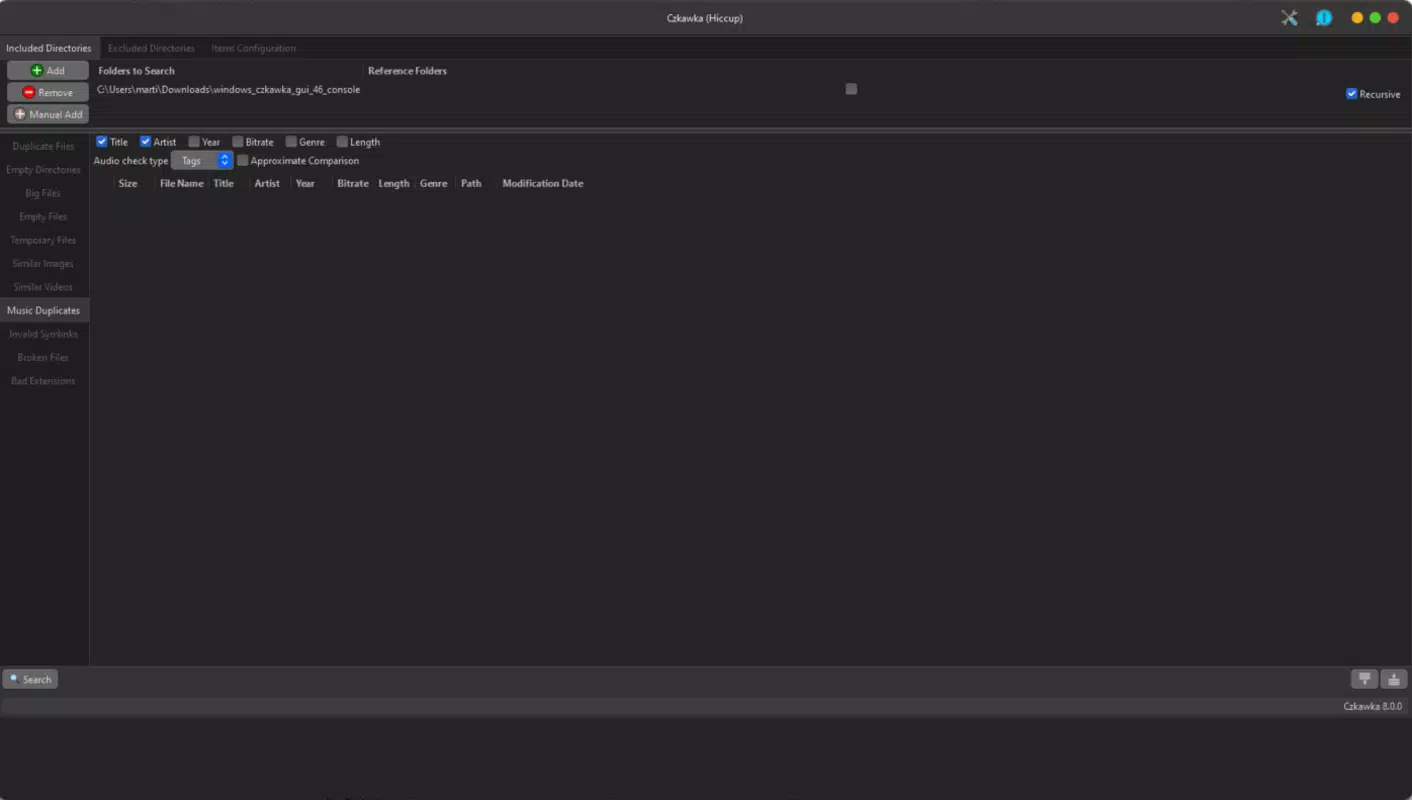
- Music Library Optimization: Czkawka analyzes music collections to detect duplicate songs or albums, allowing users to consolidate and organize their playlists efficiently.
- User-Friendly Interface: With a clean layout and intuitive navigation, the app enables quick access to core functions, reducing the learning curve for new users.
- Resource Efficient Scans: Designed to operate in the background without overloading system resources, Czkawka ensures minimal disruption during use.
For example, a user transferring music from a USB drive can use Czkawka to identify and remove duplicate tracks before syncing to their phone. Similarly, someone preparing to update their device can run a scan to eliminate unnecessary files and free up space. These practical applications highlight the app’s value in everyday digital maintenance.
Interface, UX & Performance
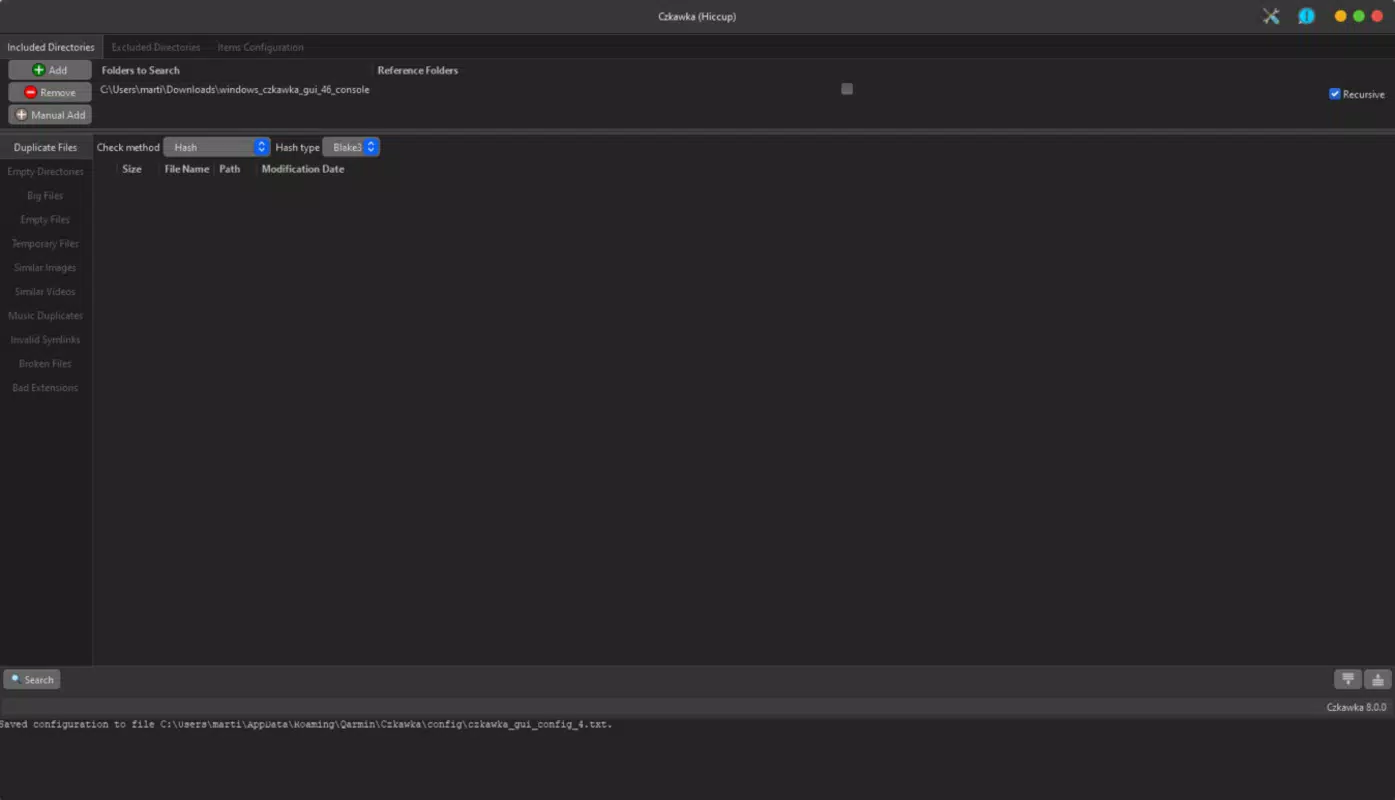
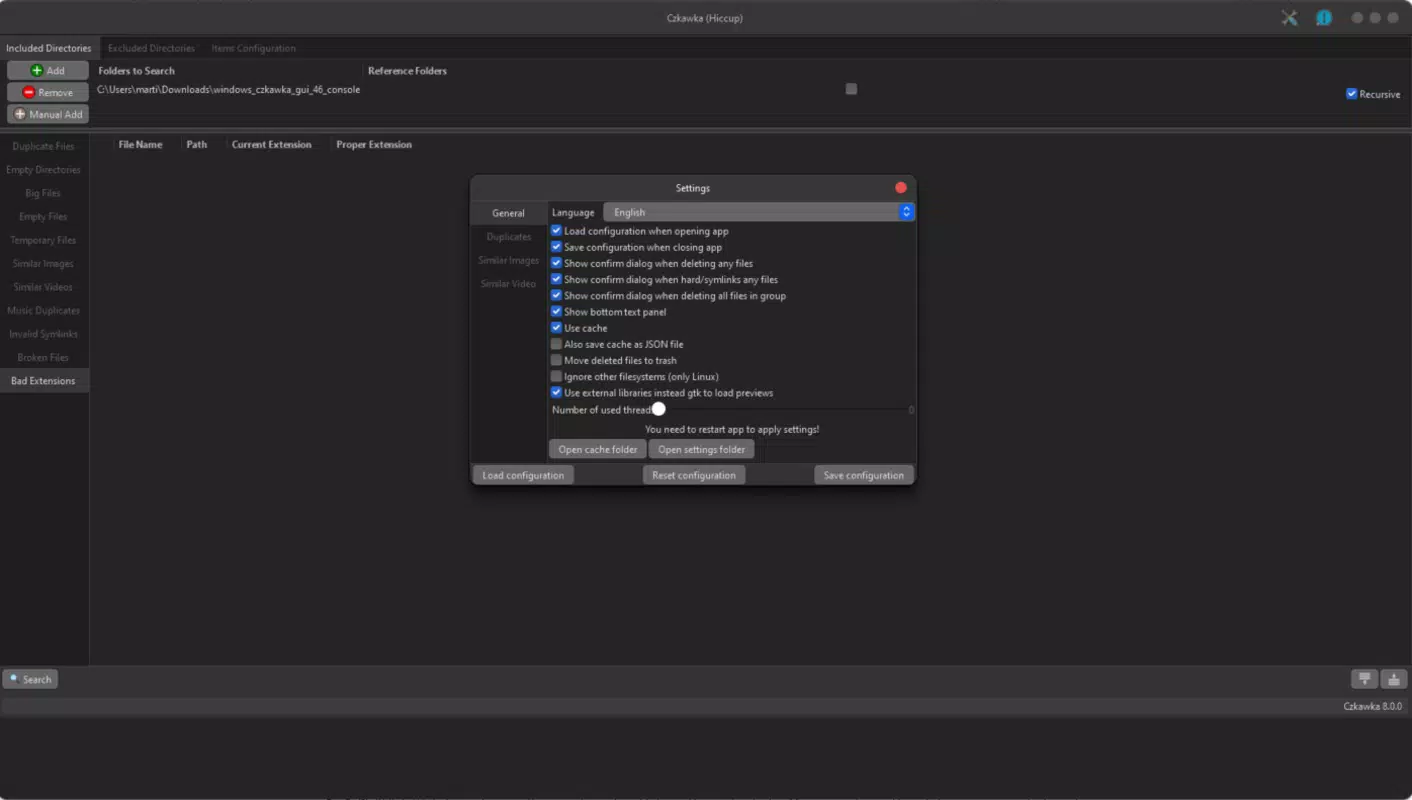
The user interface of Czkawka is designed with clarity and simplicity in mind. Navigation is straightforward, with clearly labeled sections that guide users through the scanning and cleanup process. The visual layout avoids clutter, using consistent spacing and intuitive icons to enhance readability across various screen sizes.
Interaction flows are logical, allowing users to select directories, initiate scans, and review results without unnecessary steps. The app maintains responsiveness during operations, ensuring smooth transitions between screens and real-time feedback during scans. Although the developer did not list formal performance metrics, the app’s design suggests optimization for low-latency execution on a range of mobile devices.
Stability appears to be a priority, as the app avoids freezing or crashing during typical usage scenarios. Users can expect consistent behavior across different device categories, including mid-range and high-end smartphones. The absence of reported bugs or crashes in available data indicates reliable operation under standard conditions.
Platform Compatibility & Technical Requirements
Czkawka is available on the Android platform and requires no additional software dependencies. The current version is 1.0.0, with a file size of 12.5 MB, making it a lightweight application suitable for devices with limited storage capacity. The app is offered free of charge, removing financial barriers to access.
The developer did not specify minimum OS requirements or compatibility details beyond the platform. As such, users should verify device compatibility through official distribution channels. While no specific hardware specifications were provided, the app’s small size and efficient design suggest broad accessibility across Android devices released in recent years.
Pros and Cons
Pros
- Lightweight and fast, with minimal impact on device performance
- Free to download and use, with no in-app purchases or ads
- Intuitive interface suitable for users of all experience levels
- Effective at identifying and removing duplicate files and empty folders
- Specific tools for optimizing music libraries, enhancing media management
Cons
- Developer did not provide detailed system requirements or compatibility information
- No official support channels or documentation were listed
- Functionality is limited to file cleanup and organization—no cloud integration or backup features
- App size is small, which may raise concerns about feature completeness for advanced users
- Compatibility with iOS or other platforms was not confirmed
FAQ
Is Czkawka safe to use on my Android device?
Yes, Czkawka is designed to operate safely on Android devices. It performs scans without modifying system files and only deletes user-selected files. Always review scan results before confirming deletions to avoid accidental data loss.
Can I use Czkawka to clean up my music library?
Yes, the app includes tools specifically for identifying duplicate songs and albums, allowing users to organize and optimize their music collections efficiently.
Does Czkawka require internet access?
No, Czkawka functions entirely offline. All scanning and file analysis occur locally on the device, ensuring privacy and reducing data usage.
How often should I run Czkawka?
Users can run the app as needed—after transferring files, before updating apps, or when noticing low storage. There is no fixed schedule, as the frequency depends on individual usage patterns.
Is Czkawka available for iOS devices?
The developer did not disclose iOS compatibility. Based on current information, Czkawka is only confirmed to be available on Android.
Final Thoughts
Czkawka stands out as a focused, efficient tool for users seeking to maintain a clean and organized digital environment. Its ability to identify duplicate files, remove empty folders, and optimize music libraries makes it a valuable asset for anyone managing large collections on their mobile device. The app’s lightweight design and resource-efficient performance ensure it can be used without disrupting daily workflows.
While it lacks advanced features like cloud backup or cross-platform sync, its core functionality is executed with precision and care. The free price point enhances its accessibility, making it an excellent choice for both casual users and those with more demanding file management needs.
For individuals who value digital hygiene and want a simple, secure way to free up space, Czkawka delivers real utility without compromise. If you’re looking to streamline your file system and reclaim storage, this app is a reliable companion.
Download Czkawka now


